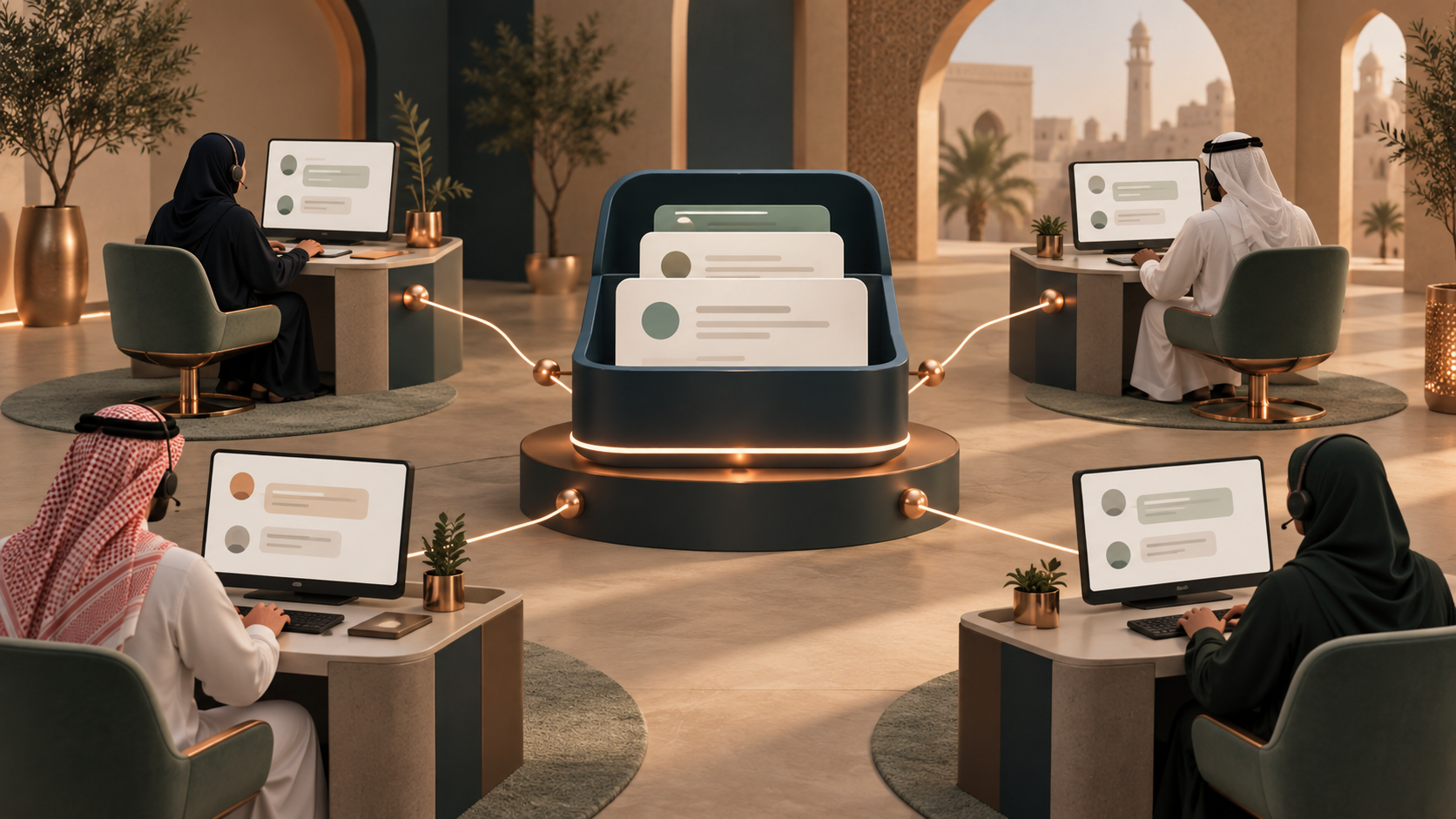
Linked devices are not the same as a shared inbox
Linked devices let employees access an account within the official limits. Device allowances may vary with the eligible product, subscription and region. Check WhatsApp’s current guidance for your account instead of treating a device count as a permanent guarantee.
Give every conversation an owner
A shared inbox supports assignment, internal notes, tags, handover and supervisor visibility. Decide who owns a new enquiry, when to escalate it and how to transfer context without asking the customer to repeat everything.
Choose seats and permissions deliberately
MUDRIQ user limits depend on the selected plan. Any larger concurrent-team arrangement must be agreed explicitly; it is not included in every subscription. Give staff only the access they need and review roles when people change teams.
Measure coordination, not just speed
Monitor first response time, unassigned conversations, overdue follow-ups, employee workload and customer outcomes. Do not equate reading a message with resolving it.
| Approach | Useful for | What to check |
|---|---|---|
| Linked devices | Basic shared access | Current account-specific device limits |
| Shared inbox | Ownership and routing | Seats, permissions and handover |
| Multi-branch workspace | Branch accountability | Numbers, branch roles and consolidated reports |
Frequently asked questions
Can employees reply at the same time?
Shared-inbox tools can support concurrent work, subject to plan limits and assignment rules.
How do we avoid duplicate replies?
Use one owner per conversation, status indicators and clear handover rules.
Can we use one company number?
Yes in an eligible supported setup; assess routing and capacity before rollout.
Official references
Product eligibility, limits and policies can change. Check the current official guidance before making an operational decision.
Discuss the right setup for your team.
Review your number, users and workflow before activation. Availability depends on the selected plan and enabled integrations.
Explore MUDRIQ plans →